Introduction to 3D Modeling
This article is for product designers, engineers, and manufacturers looking to optimize their workflow for 3D printing. With the rise of additive manufacturing, understanding how to model effectively for 3D printing can significantly reduce costs and accelerate product development.
3D modelling for 3D printing refers specifically to the process of creating digital models that are optimized for additive manufacturing, ensuring that designs are not only visually accurate but also structurally sound and printable. Unlike general 3D modelling, which may focus on visual effects or animation, 3D modelling for 3D printing emphasizes manufacturability, printability, and material efficiency, which are crucial for successful additive manufacturing.
The relationship between 3D modelling, 3D printing, and DFM (Design for Manufacturability) is fundamental: effective 3D modelling provides the digital blueprint, 3D printing brings the design into the physical world, and DFM ensures that the design is optimized for efficient and reliable manufacturing. DFM (Design for Manufacturability) is the practice of designing products so they are easy and cost-effective to manufacture, which is especially important in the context of 3D printing.
What is 3D Modeling
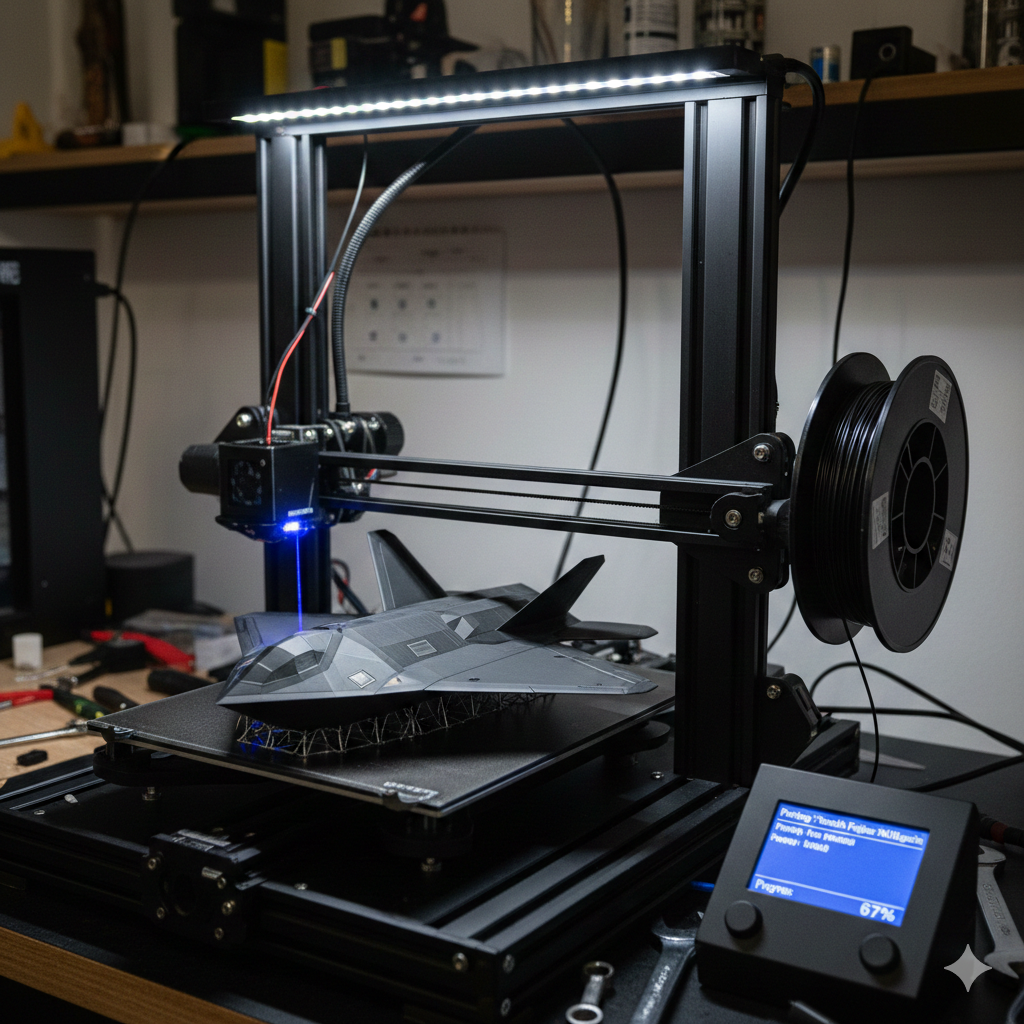
- 3D modeling is the process of creating digital models of physical objects using – software for 3D printing, such as Autodesk Fusion, which offers advanced features like parametric modeling and simulation tools.
- It involves designing and modifying digital models to achieve dimensional accuracy and complex shapes, making it ideal for 3D printing.
- 3D modeling software, including free software like Blender and Tinkercad, provides users with the tools to create and export STL files for 3D printing.
- The learning curve for 3D modeling can be steep, but many software options, such as DesignSpark Mechanical, offer a user-friendly interface and beginner-friendly features.
3D Modeling Software
Overview of 3D Modeling Software
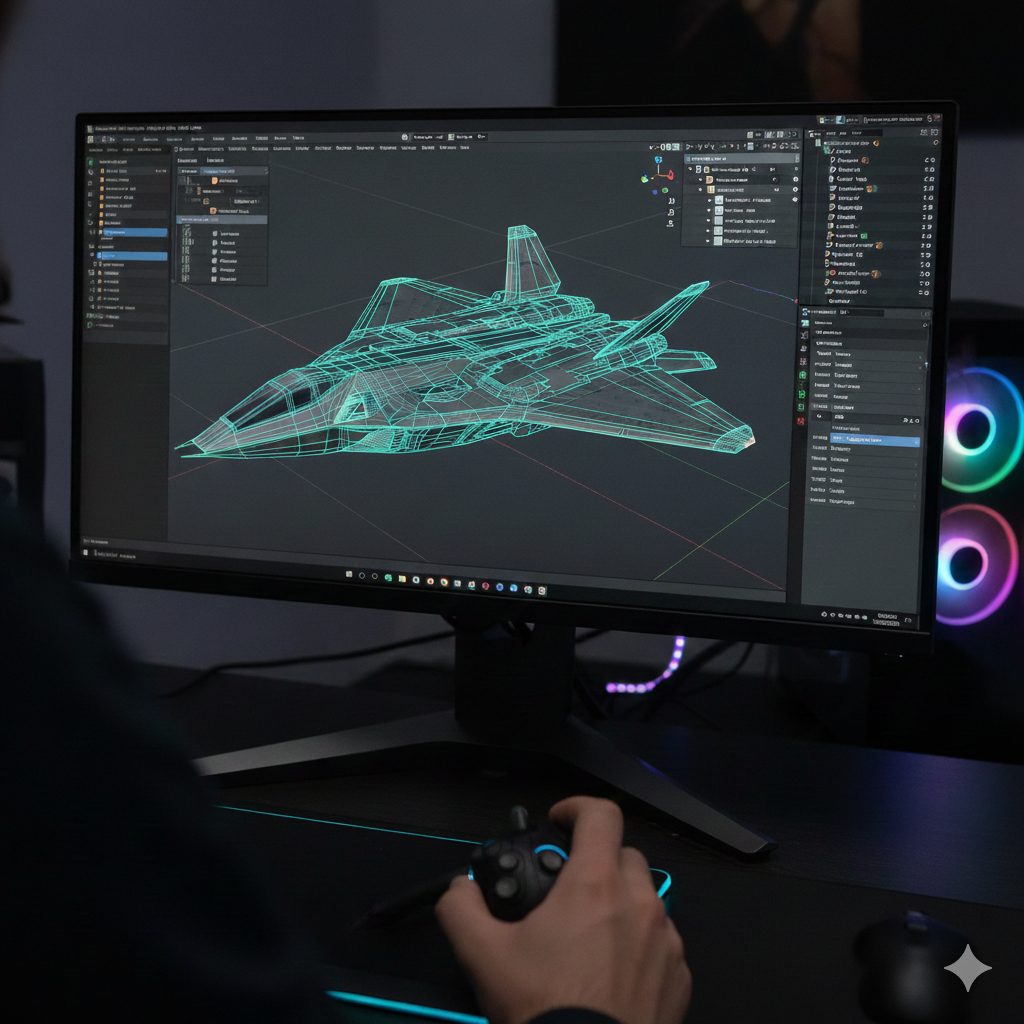
- 3D modeling software is used to create digital models for 3D printing, including CAD models and geometric shapes.
- Popular software options include Autodesk Fusion, Blender, and Tinkercad, which offer a range of features, including parametric modeling and mesh modeling.
- Many software options are completely free, while others offer free versions or paid subscriptions with advanced features.
- Slicer software, such as Cura and Slic3r, is also essential for 3D printing, as it converts digital models into printable files.
Parametric Modeling
- Parametric modeling is a type of 3D modeling that uses parameters to define the shape and size of digital models, allowing for easy adjustments and precise control over complex geometries.
- It is ideal for creating intricate designs and organic shapes, commonly used in product design, engineering, and industrial applications.
- Autodesk Fusion 360 offers advanced parametric modeling tools with a subscription price starting at $60 per month or $495 per year, making it popular for both hobbyists and professionals.
- SolidWorks provides powerful parametric capabilities tailored for professional use, with pricing typically around $3,995 for a perpetual license plus approximately $1,295 annually for maintenance.
- PTC Creo is another leading parametric CAD software favored in engineering and manufacturing, with pricing starting at approximately $2,200 per year for a subscription license, offering extensive design and simulation features.
- Rhinoceros (Rhino) is known for its versatility in handling complex curves and surfaces, combining parametric and freeform modeling; its standard license costs about $995 with optional maintenance plans.
- Other software options such as Autodesk Inventor also provide robust parametric modeling tools, with subscription pricing around $2,085 per year.
- Shapr3D is a CAD modeling software designed for professionals and hobbyists, featuring an intuitive interface optimized for touch devices like the iPad. It offers a free version with limited capabilities, with paid subscriptions starting at $12 per month or $99 per year.
- Onshape is a cloud-based CAD platform that enables collaborative parametric modeling accessible from any device with internet access. Pricing starts at $1,500 per user per year for professional plans, with a free version available for makers and hobbyists with limited features.
- Tinkercad is a free, browser-based 3D modeling tool designed for beginners and hobbyists. It features an intuitive interface and is accessible on any computer without installation, making it ideal for personal use and hands-on projects.
- Plasticity is a paid 3D modeling software tailored for 3D printing enthusiasts, offering an easy-to-use interface and features designed for creating printable models. Pricing varies depending on the license type and starts at approximately $50.
- Blender is a completely free, open source 3D modeling software that supports mesh modeling, sculpting, and animation. Although it has a steeper learning curve, it is highly versatile and widely used for creating complex geometries and organic shapes.
- SketchUp offers both free and paid versions, with the paid version (SketchUp Pro) priced at around $299 per year. It is known for its user-friendly interface and is popular for architectural and product design projects, supporting import and export of various file formats suitable for 3D printing.
These parametric modeling programs include features designed to streamline the design process, facilitate file export in standard formats like STL and OBJ, and support integration with slicing software for 3D printing. They cater to various skill levels, from new users to advanced professionals, and are available on multiple platforms including Windows and macOS.
3D Printing Considerations
Models for 3D Printing
- Digital models for 3D printing must be designed with the printing process in mind, taking into account factors such as material properties and printer capabilities.
- 3D modeling software can help users create models that are optimized for 3D printing, with features such as automatic support generation and material optimization.
- The choice of file format is also important, with STL and OBJ being popular options for 3D printing.
- Many software options, including Tinkercad and DesignSpark Mechanical, offer tools for creating and modifying digital models for 3D printing.
Complex Geometries
- Complex geometries, such as those found in organic shapes, can be challenging to create and print.
- 3D modeling software, such as Autodesk Fusion and Blender, offers tools for creating and modifying complex geometries, including parametric modeling and mesh modeling.
- Generative design is also a useful tool for creating complex geometries, as it allows users to generate multiple design options based on a set of parameters.
- Simulation tools, such as those found in Autodesk Fusion, can also help users test and optimize their designs for 3D printing. For additional information on best practices, see Design for Manufacture.
Design and Printing
File Formats and Export
- The choice of file format is important for 3D printing, with STL and OBJ being popular options.
- Many software options, including Tinkercad and DesignSpark Mechanical, offer tools for exporting digital models in various file formats.
- The export process can also involve optimizing the model for 3D printing, including generating supports and optimizing material usage.
- Slicer software, such as Cura and Slic3r, can also help users prepare their digital models for 3D printing.
3D Printing Software and Hardware
3D Printer and Host Software
- 3D printer and host software, such as OctoPrint and Repetier, are essential for controlling and monitoring the 3D printing process.
- Many software options, including Cura and Slic3r, offer tools for slicing and preparing digital models for 3D printing.
- The choice of software and hardware will depend on the specific needs of the user, including the type of printer and the level of control required.
- New users may want to consider software options with a user-friendly interface, such as Tinkercad and DesignSpark Mechanical.
Popular 3D Printers and Compatible Software
Several popular 3D printers stand out in the market for their features and community support, each commonly paired with specific slicer software and compatible modeling programs:
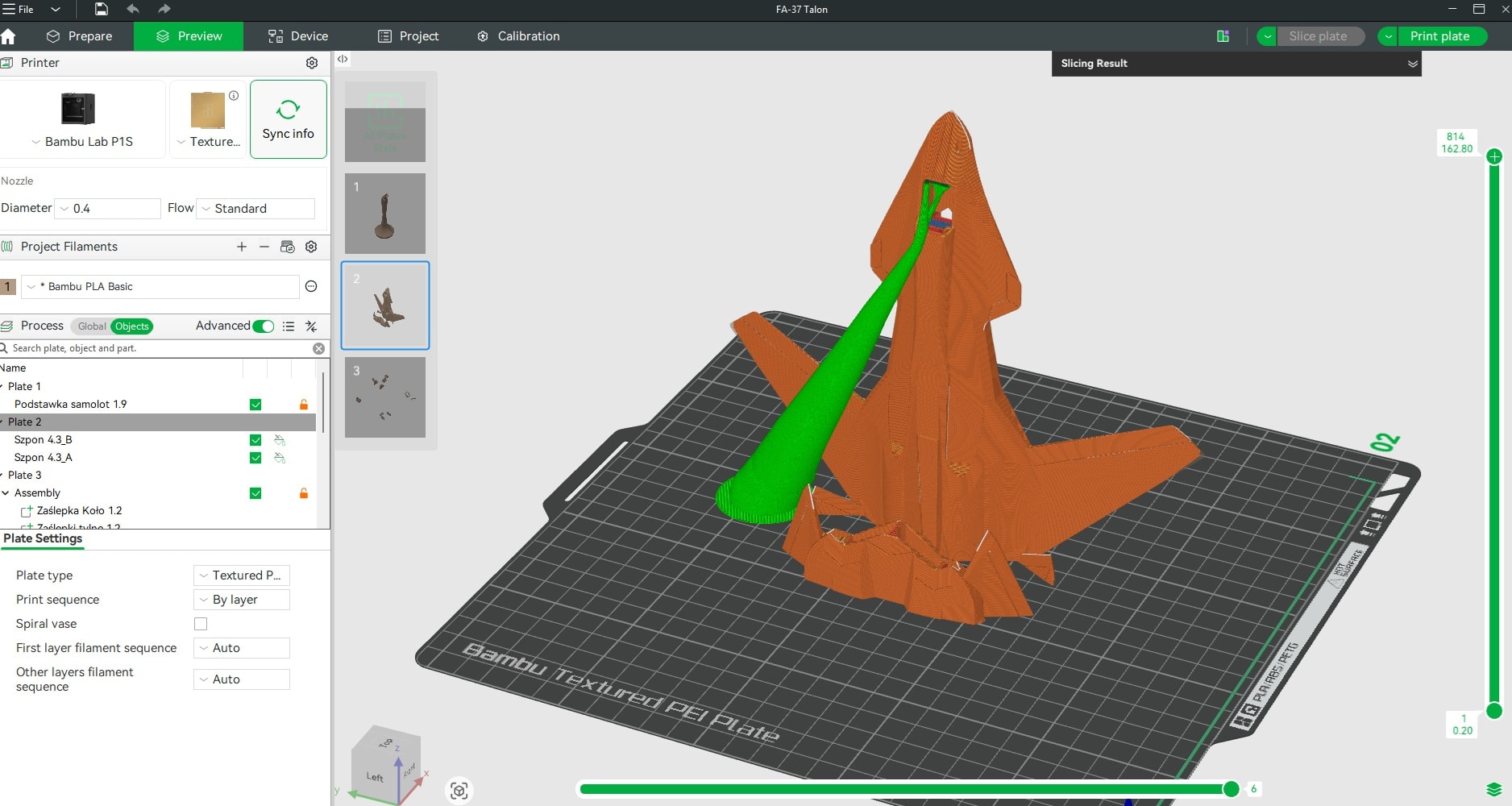
- BambuLabs: Known for high-speed and multi-material printing, BambuLabs printers typically use their proprietary Bambu Studio slicer software, which offers advanced features tailored to their hardware. Bambu Studio supports importing STL files from various 3D modeling software, including Autodesk Fusion and Blender, providing a seamless workflow for users.
- Creality: One of the most widely used brands among hobbyists and professionals, Creality printers often utilize Cura or Creality Slicer (a customized version of Cura) for slicing. These slicers are compatible with STL and OBJ files created in popular software like Tinkercad, Fusion 360, and FreeCAD.
- Flashforge: Flashforge printers usually work well with FlashPrint, their proprietary slicer software, which is beginner-friendly and supports common file formats. FlashPrint integrates smoothly with models designed in software such as Tinkercad and DesignSpark Mechanical, making it accessible for new users.
- Prusa: Prusa printers are renowned for their reliability and open-source nature. They typically use PrusaSlicer, a powerful slicer based on Slic3r, which supports extensive customization and advanced features. PrusaSlicer accepts files from a wide range of 3D modeling software, including Blender, FreeCAD, and Autodesk Fusion, enabling flexible design options.
Choosing the right slicer software and compatible 3D modeling programs ensures efficient preparation and successful printing on these popular 3D printers.
New Users
- New users may find it helpful to start with free software options, such as Tinkercad and Blender, which offer a range of features and tools for 3D modeling and printing.
- Online tutorials and resources, such as those found on YouTube and Udemy, can also help new users get started with 3D modeling and printing.
- Many software options, including Autodesk Fusion and SolidWorks, offer free trials or student versions, which can be a good way for new users to try out the software before committing to a purchase.
- Joining online communities, such as Reddit’s r/3Dprinting, can also be a great way for new users to connect with other users and learn from their experiences.
Successful Printing
Print Successfully
- To print successfully, users must consider a range of factors, including the choice of software and hardware, the design of the digital model, and the settings used for slicing and printing.
- Many software options, including Autodesk Fusion and Cura, offer tools and features to help users optimize their designs and prints for success.
- Online resources, such as tutorials and forums, can also provide helpful tips and advice for achieving successful prints.
- Experimenting with different settings and techniques can also help users refine their skills and achieve better results.
Conclusion
Summary of Key Points
- 3D modeling software is essential for creating digital models for 3D printing, and offers a range of features and tools for designing and modifying models.
- Parametric modeling and generative design are useful tools for creating complex geometries and optimizing designs for 3D printing.
- The choice of file format and export process are important considerations for 3D printing, and many software options offer tools for optimizing and preparing digital models for printing.
- New users may find it helpful to start with free software options and online tutorials, and to join online communities to connect with other users and learn from their experiences.
- By considering a range of factors, including software, hardware, and design, users can achieve successful prints and create high-quality physical objects using 3D printing technology.